
Maior aprovação do mercado
Chegue a 99% de aprovação em vendas legítimas, com antifraude inteligente e tecnologia proprietária.
The Appmax + Magento integration is built for merchants who want to sell more with credit card, boleto, and Pix, with simple operations and a high approval rate.
Chegue a 99% de aprovação em vendas legítimas, com antifraude inteligente e tecnologia proprietária.
Protegemos suas vendas com análise em tempo real, validação extra e bloqueio automático de golpes.
Escolha receber em D+1 ou D+30 e tenha total autonomia sobre seu fluxo de caixa.
82% dos clientes Appmax operam sem chargeback com a nossa tecnologia de proteção.
Toda jornada de pagamento no mesmo lugar, com taxa competitiva e integração nativa.
Atendimento por chat e WhatsApp com equipe especializada em performance de pagamentos.
Aqui na Appmax fazemos o máximo pelo seu negócio, estamos sempre desenvolvendo novas soluções para aumentar suas vendas, trazer mais segurança e simplificar a gestão financeira do seu e-commerce.
Nossa IA dispara automaticamente mensagens no WhatsApp para consumidores que emitem o PIX, mas não concluem o pagamento. Com o envio do PIX atualizado, seu cliente finaliza a compra em segundos. O resultado? Em média, 11% de recuperação.
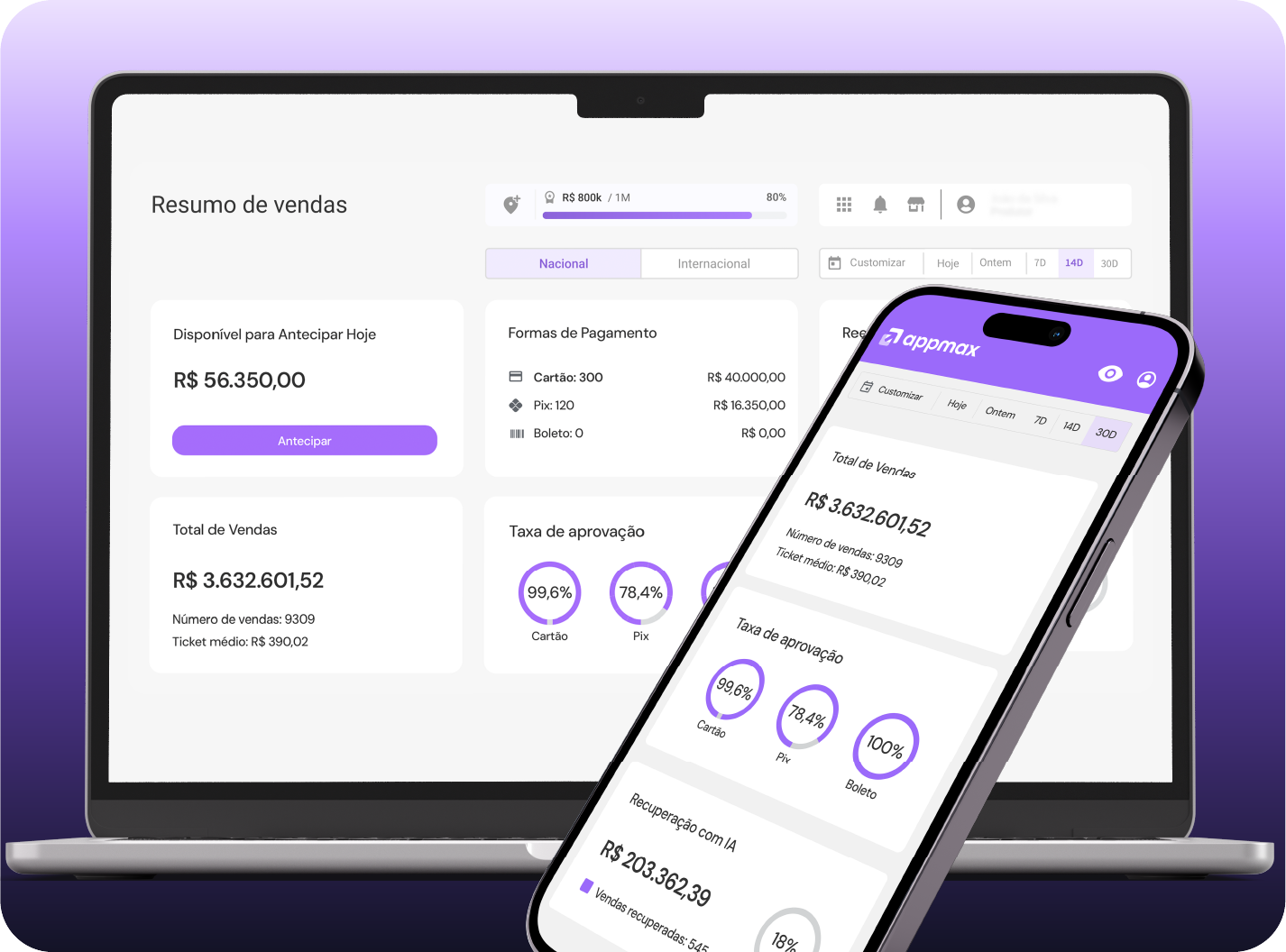
Tenha total controle da sua operação com um Dashboard intuitivo e todas as informações em tempo real.
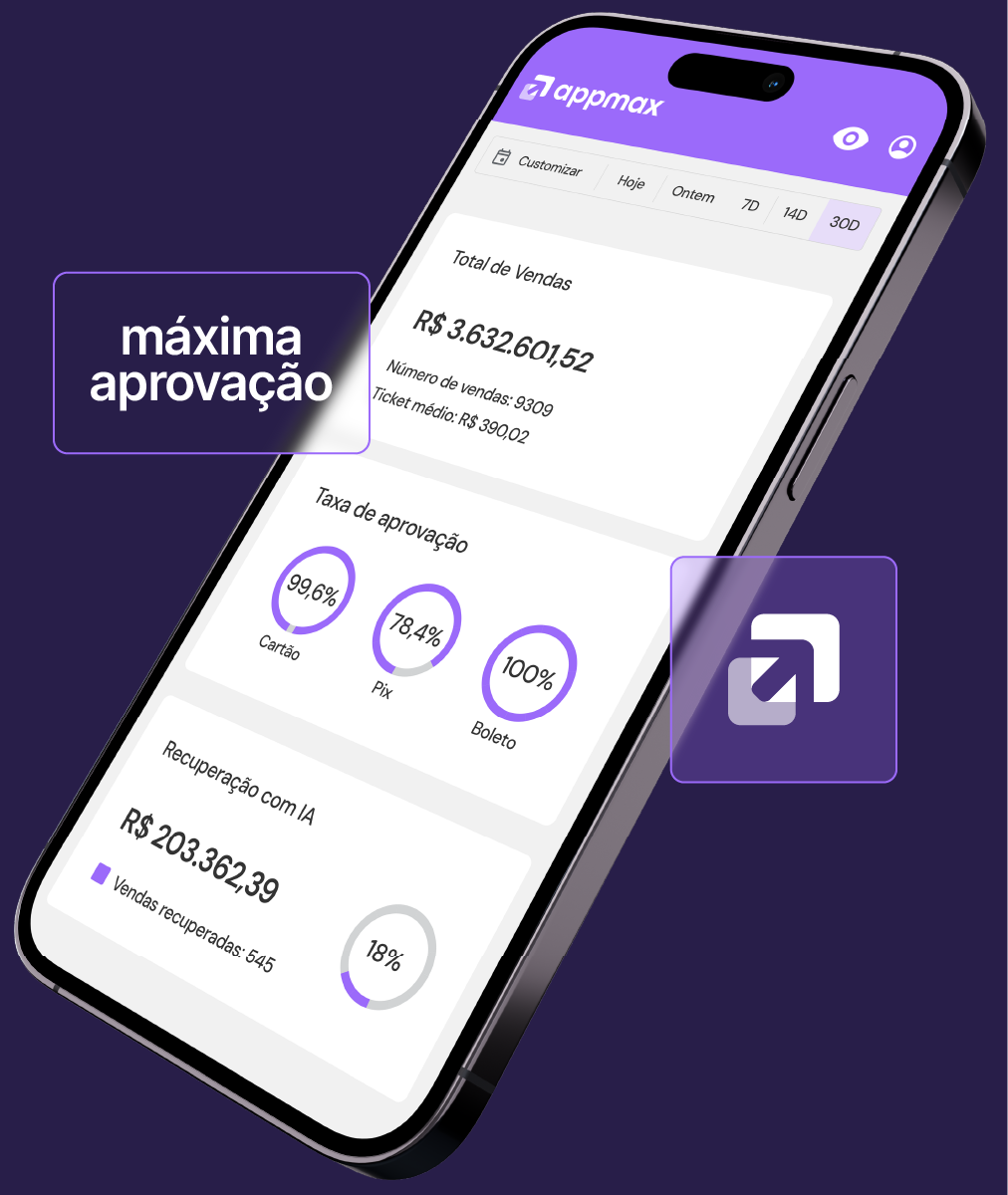
Tudo também no aplicativo Appmax, para você decidir de onde estiver.
Com a Appmax, você cria links de pagamento personalizados e faz uma venda online em menos de 1 minuto, sem precisar de nenhuma integração complexa.
Nosso antifraude combina inteligência artificial avançada, dados de comportamento de compra e validações adicionais que outras plataformas não oferecem. Nos tornando reconhecidamente a plataforma de pagamentos com a melhor aprovação do mercado. Assim, conseguimos aprovar mais vendas legítimas sem abrir brechas para fraudes.
A análise dados do pedido e histórico do cliente.
Mensagens por e-mail ou validação facial em casos suspeitos.
Mais vendas aprovadas sem travar o fluxo.
Fraudes barradas sem prejudicar clientes reais.
Mediante aprovação do time de risco e compliance.
99% das vendas aprovadas com segurança e 0% de chargeback para 82% dos sites.
Make a full backup of the app (files and database) Avoid installing directly to production without first validating in a test environment
Open the directory where Magento 2 is installed Extract the module files to the folder: /app/code/ If the folder doesn't exist, create it Make sure every module file was extracted correctly
In the SSH terminal, run the commands below: php bin/magento deploy:mode:set developer php bin/magento setup:upgrade php bin/magento setup:static-content:deploy -f If your server uses OPCache, Redis, Varnish, or DNS Cache, clear those services' caches
Open the Appmax admin panel and log in Click "Integrations", then "New integration" Select "Magento" and confirm in the pop-up
On the "General Data" tab, fill in the basic info about your site: Store name Company (created during onboarding) Sales page Support email Support phone Also pick the business model
On the "Sales Recovery" tab, SMS send events come pre-selected You can uncheck the events you don't want to use SMS sending carries a per-message cost
On the "Appmax Affiliation" step, copy the token shown on screen On Magento, open the Appmax method configuration and paste this token
You can access it two ways: Option A Side menu: Appmax > Configuration Option B Stores > Configuration > Sales > Payment Methods > Appmax payment methods Under "Other payment methods", find "Appmax payment methods" and enter the token
Configure the address field positions according to your store's settings Configure the status name for orders when a payment is cancelled
In the "Appmax Payment Methods" menu, enable each method individually Credit card Set "Enabled" to "Yes" Set a title (e.g., "Appmax Credit Card") In applicable countries, select only Brazil Installment and interest settings are pulled directly from your Appmax account Pix Set "Enabled" to "Yes" Set a title (e.g., "Appmax Pix") Pix key expiration: 30 minutes In applicable countries, select only Brazil Boleto Set "Enabled" to "Yes" Set a title (e.g., "Appmax Boleto") Set the status of new orders to pending In applicable countries, select only Brazil
Once you've filled in every step, click "Save" The Magento integration is complete
Veja o guia completo clicando aqui
Tire dúvidas, fale com o time de suporte ou acompanhe sua integração em tempo real.
Appmax is a complete payments platform that integrates with your Magento store. With it, you process card, boleto, and Pix payments, improve your approval rate, and get smart antifraud plus AI-powered sales recovery.
Yes. Appmax is known for its high approval rate, AI-powered antifraud, and secure transactions. It's the choice of thousands of digital merchants looking for trust and performance.
If you're looking for a high approval rate, fraud protection, and close support, Appmax is one of the best payment orchestrators for Magento. You can also receive funds on D+1 or D+30 and stay in control of your cash flow.
Appmax combines a payment orchestrator, acquiring, AI-powered antifraud, custom payment links, real-time dashboard, and a business management app. It also offers specialist support via chat and WhatsApp.
Yes. Beyond the integration, Appmax improves your checkout performance, boosts conversion, reduces fraud, and brings more predictability to your cash flow.