
Maior aprovação do mercado
Chegue a 99% de aprovação em vendas legítimas, com antifraude inteligente e tecnologia proprietária.
Appmax delivers the best payment technology on Wx3
Chegue a 99% de aprovação em vendas legítimas, com antifraude inteligente e tecnologia proprietária.
Protegemos suas vendas com análise em tempo real, validação extra e bloqueio automático de golpes.
Escolha receber em D+1 ou D+30 e tenha total autonomia sobre seu fluxo de caixa.
82% dos clientes Appmax operam sem chargeback com a nossa tecnologia de proteção.
Toda jornada de pagamento no mesmo lugar, com taxa competitiva e integração nativa.
Atendimento por chat e WhatsApp com equipe especializada em performance de pagamentos.
Aqui na Appmax fazemos o máximo pelo seu negócio, estamos sempre desenvolvendo novas soluções para aumentar suas vendas, trazer mais segurança e simplificar a gestão financeira do seu e-commerce.
Nossa IA dispara automaticamente mensagens no WhatsApp para consumidores que emitem o PIX, mas não concluem o pagamento. Com o envio do PIX atualizado, seu cliente finaliza a compra em segundos. O resultado? Em média, 11% de recuperação.
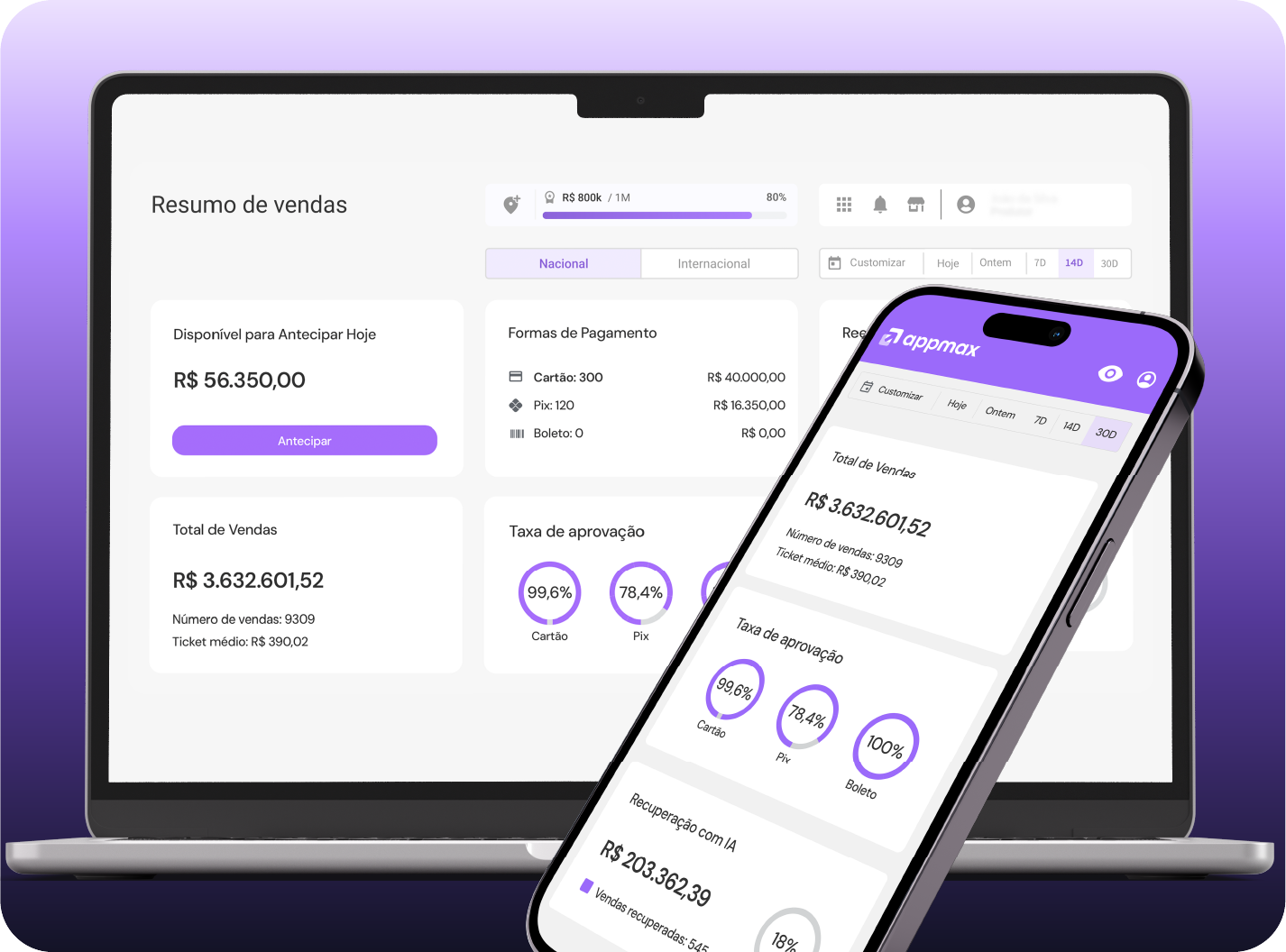
Tenha total controle da sua operação com um Dashboard intuitivo e todas as informações em tempo real.
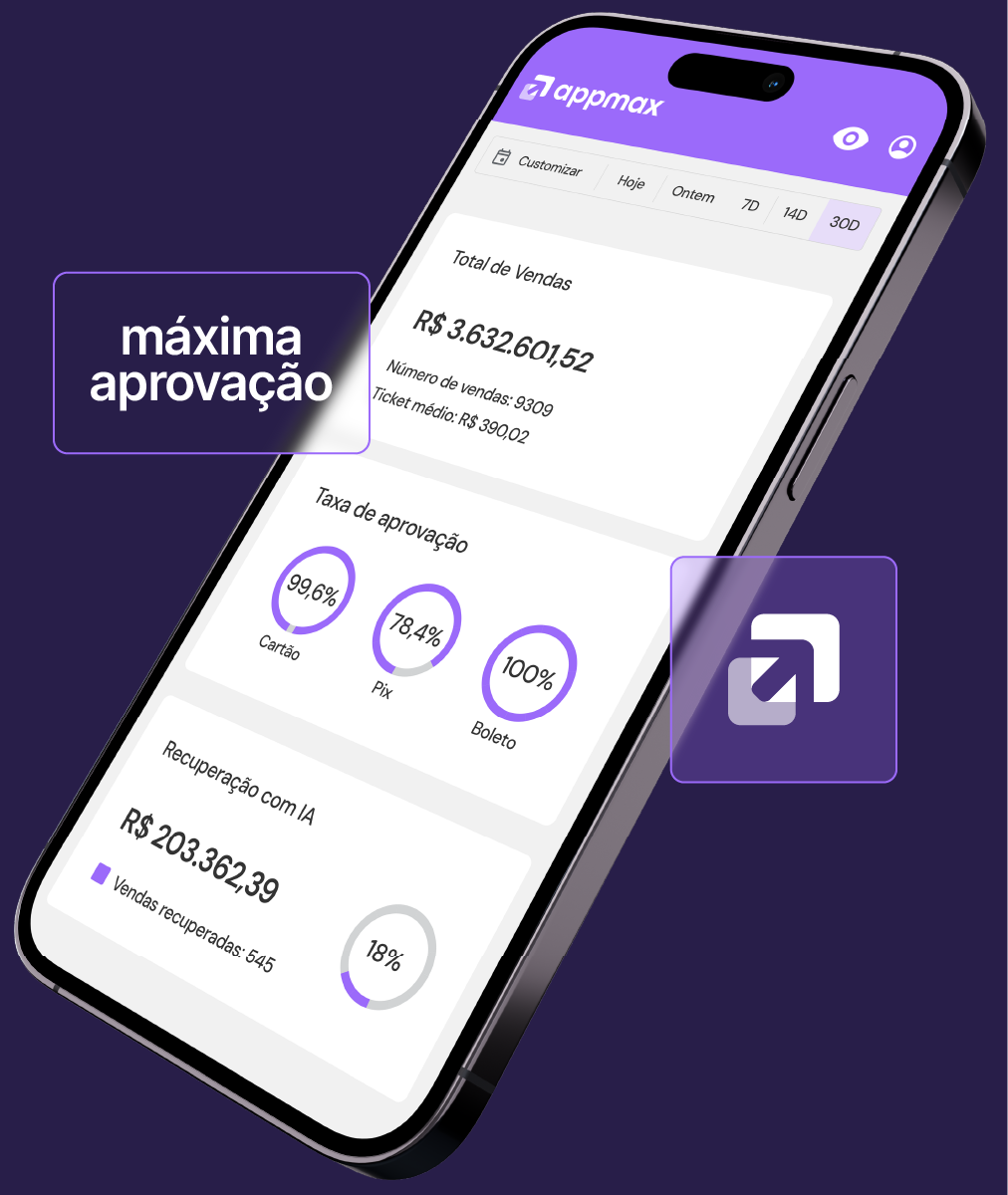
Tudo também no aplicativo Appmax, para você decidir de onde estiver.
Com a Appmax, você cria links de pagamento personalizados e faz uma venda online em menos de 1 minuto, sem precisar de nenhuma integração complexa.
Nosso antifraude combina inteligência artificial avançada, dados de comportamento de compra e validações adicionais que outras plataformas não oferecem. Nos tornando reconhecidamente a plataforma de pagamentos com a melhor aprovação do mercado. Assim, conseguimos aprovar mais vendas legítimas sem abrir brechas para fraudes.
A análise dados do pedido e histórico do cliente.
Mensagens por e-mail ou validação facial em casos suspeitos.
Mais vendas aprovadas sem travar o fluxo.
Fraudes barradas sem prejudicar clientes reais.
Mediante aprovação do time de risco e compliance.
99% das vendas aprovadas com segurança e 0% de chargeback para 82% dos sites.
Contact Wx3 to request access to the integration.
Open the Wx3 Ecommerce dashboard. Click the icon at the top right of the screen: "Your profile name". Select the "Store Payments" option.
In the "Payment Methods" settings, select Appmax under "Payment method". In the second field, select "Production", then choose "Register new Appmax account".
Fill in the fields below: Identification: used to correctly identify the payment configuration when registering the company, allowing the correct link between the payment configuration and the company registered in our system. Account ID: the ID of the Wx3 E-commerce site registration, which must be requested manually from your Wx3 account manager. Max Interest-Free Installments: fill in as configured on Appmax — default is 1. To absorb order interest, ask your account manager to adjust the configuration on Appmax first, then update this field. Max Installments With Interest: fill in as configured on Appmax — default is 11. To absorb order interest, ask your account manager to adjust the configuration on Appmax first, then update this and the "Max Interest-Free Installments" field. Boleto Due Date: fill in as configured on Appmax — default is 3 days. Pix Due Date: fill in as configured on Appmax. In our system Pix expires in 30 minutes, but Wx3 only accepts values in days, so consider a Pix due date of 1 day.
After entering the data in the required fields, click "Save". The page will reload and you'll click "Install Appmax App". After clicking "Install App", if you aren't signed in to Appmax yet, you'll be prompted to log in.
After logging in, you'll be taken to a screen where you'll enter your store name, which will appear on your customers' invoice descriptions. Select the company registered on Appmax that you want to link to your sales. Check the box to authorize Wx3 to access your Appmax account, then click "Save".
After authorizing, you'll be redirected back to the Wx3 payments menu. Click "Manage company". Click the company edit icon. Select the Appmax payment configuration that matches the Identification set during install. Finally, click "Save".
On Appmax, your installation will appear in the "Apps" menu, on the "Installed" tab. Refunds must be requested directly on Wx3 Ecommerce. Credit Card refunds can be requested on either Wx3 or Appmax — both will update once the refund is processed. Pix and boleto refunds must be requested directly on Appmax, where you'll need to provide the customer data to ensure the correct reimbursement. After a refund is approved on Appmax, the order status will not automatically update on the integration — the admin must take the appropriate action. Pix and boleto orders that are not paid follow this default: Pix is cancelled 1 day after the due date and boleto is cancelled 3 days after the due date.
Veja o guia completo clicando aqui
Tire dúvidas, fale com o time de suporte ou acompanhe sua integração em tempo real.
Appmax is a complete payments platform that integrates directly with your Wx3 store. With it, you process card, boleto, and Pix payments, boost your approval rate, and get smart antifraud.
Yes. Appmax is recognized for the best approval rate in the market (99% on average), AI-powered antifraud, and 100% secure transactions. It's the choice of thousands of digital merchants looking for trust and performance.
If you're looking for a high approval rate, fraud protection, and close support, Appmax is one of the best payment orchestrators for Wx3. You can also receive funds on D+1 or D+30 and stay in control of your cash flow.
Appmax brings everything together in one place: Pix recovery, real-time dashboard, and custom payment links.
Absolutely. Beyond the simple integration, Appmax delivers top payment performance for your ecommerce store, boosting conversion, reducing fraud, and bringing predictability to your cash flow.